IBO Player Activation – Complete Setup & Installation Guide
IBO Player is a popular IPTV app for Smart TVs and Android devices.
Learn how to install, set up your playlist and activate your app in just a few steps.
IBO Player
IBO Player is a powerful IPTV application designed for Smart TVs and Android devices.
It allows you to stream content easily using your own M3U playlist.
On this page, you will learn how to install the app, set up your playlist and activate your device in just a few minutes.
Complete IBO Player Guide – Activation, Setup & Installation
Everything you need to activate and set up your IPTV app in minutes
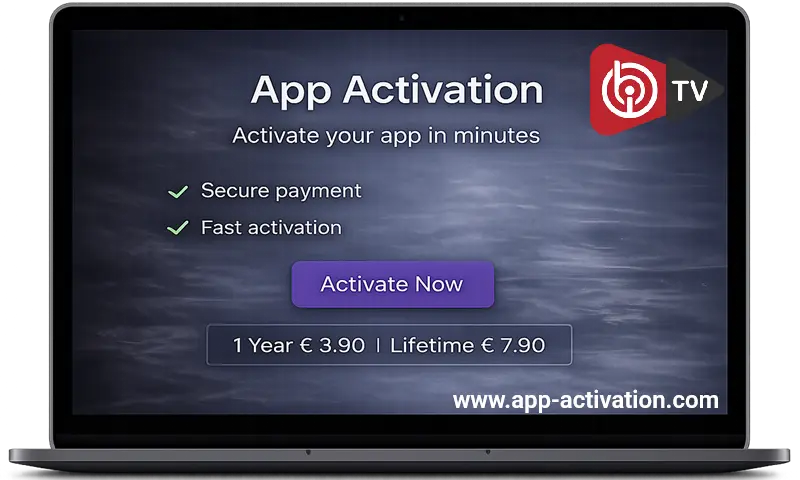
IBO Player Activation
Activate your IPTV Player quickly and securely online. Start streaming your content within minutes after activation.
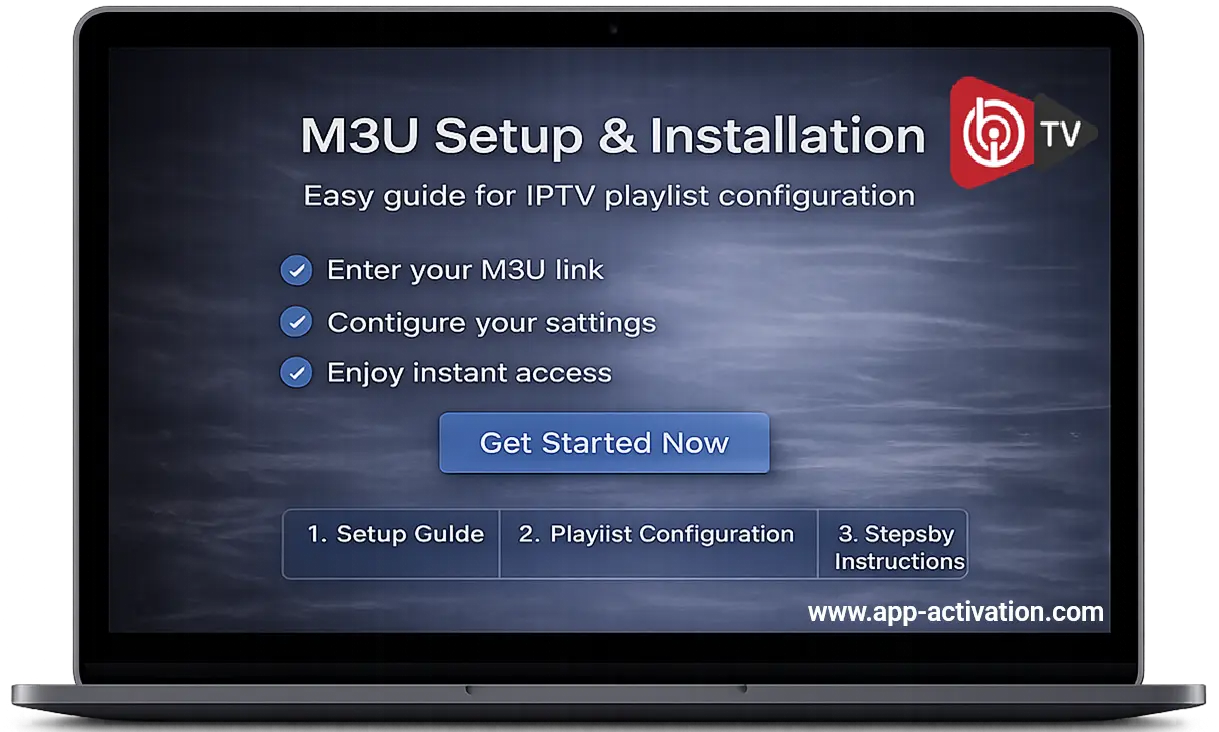
IBO Player M3U Setup Guide
Learn how to add your M3U playlist and configure your IPTV app step by step for a smooth streaming experience.
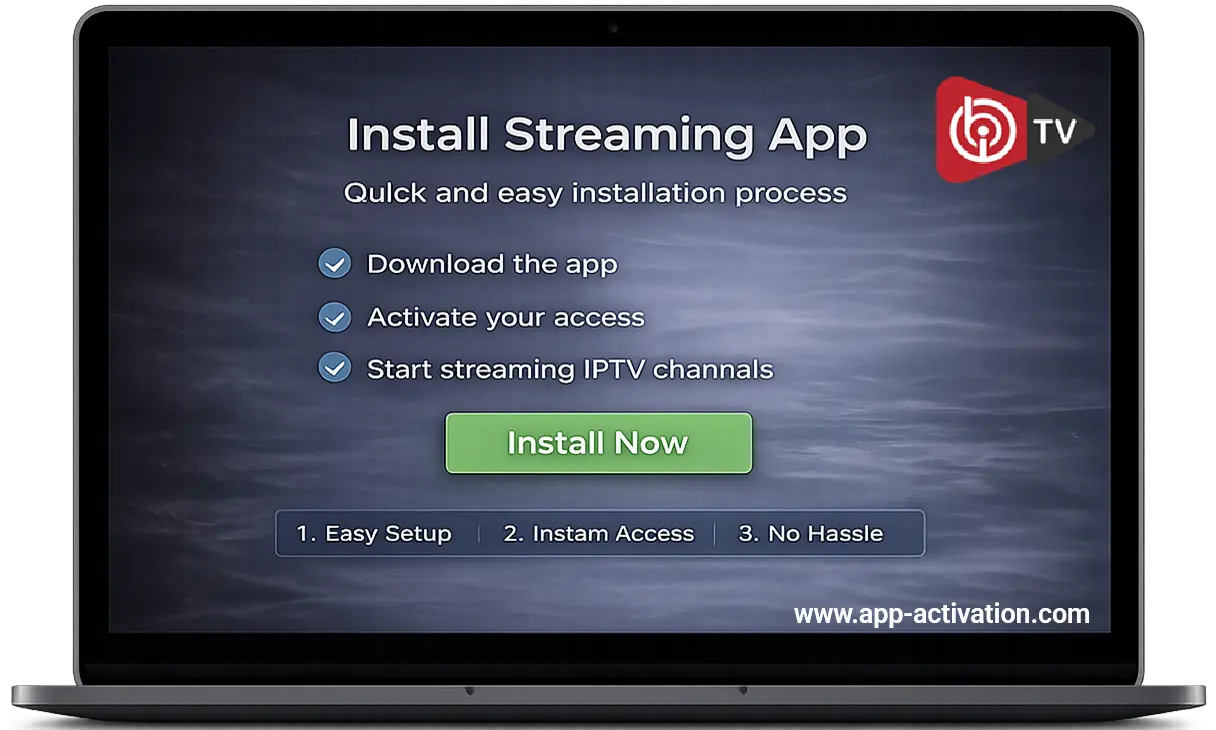
How to Install IBO Player
Follow our simple installation guide for Smart TVs, Android and Fire TV devices and get started in just minutes.
⭐ Rated by thousands of satisfied IPTV users worldwide
Why Choose Our IBO Player Activation Service?
We provide fast, secure and reliable IBO Player activation for Smart TVs and IPTV devices.
Activate your IPTV app within minutes and enjoy safe payments, instant setup and dedicated customer support.
Secure Payment
All payments are protected with SSL encryption for maximum security and safe transactions.
Activation
Your IPTV app will be activated quickly
within 1–60 minutes after successful payment.
Support
Get quick help from real people anytime
whenever you need assistance with activation.
Activate Your IBO Player in 3 Simple Steps
Activate your IPTV app in just a few simple steps
1. Enter Your MAC Address
Find your MAC address in the app settings and enter it during checkout.
2. Complete Secure Payment
Pay safely via PayPal, credit card or bank transfer.
3. Instant Activation
Your app will be activated within 1–60 minutes after payment.
Activate Your IBO Player Now
1 Year Activation – €3.90
Lifetime Activation – €7.90 ⭐ Best Value
✔ Instant activation (1–60 minutes)
✔ Secure payment via PayPal & card
✔ One-time payment – no subscription
COMPATIBLE DEVICES
Samsung TV
LG Smart TV
Android TV
Fire TV Stick
Android TV Box
Smartphones & Tablets
Answers to Your Questions
How long does activation take?
Activation is usually completed within 1–60 minutes after payment.
Do I need a subscription?
No, this is a one-time activation. You do not need any monthly subscription.
Where do I find my MAC address?
You can find your MAC address inside the IPTV app under the settings or device information section.
Can I use the same activation on multiple devices?
No, each activation is valid for one device only. You need a separate activation for each device.
What if my activation is delayed?
In rare cases, activation may take slightly longer. If you experience delays, our support team is available to help you.
Does this work worldwide?
Yes, the activation works worldwide on all supported devices and regions.
What happens after payment?
After your payment, your MAC address will be activated automatically. You can start using your app shortly after activation.
Is this activation permanent?
It depends on the option you choose. You can select between a 1-year activation or a lifetime activation.
Ready to activate your IBO Player?
Get started now and activate your app within minutes.